I used to highlight like a maniac.
Kindle highlights. Underlines in paperbacks. Photos of pages I told myself I would type up later. Notes app snippets. Random screenshots that got buried under receipts and boarding passes and “what was that password again” stuff.
And then I would… never see them again.
Which is kind of the whole point, right. A quote is only powerful if it comes back to you at the right time. Not just when you first read it at 11:47 pm with one eye open, but three weeks later when you need it. Or five years later when you are a different person and it hits even harder.
So. Let’s talk about the best place to store quotes so you actually revisit them. Not just hoard them.
There’s no single perfect app for everyone. But there is a best system. And once you set it up, it’s weirdly calming. Like cleaning out a drawer you have avoided for months.
First, what makes a quote worth saving
Quick detour. Because if you save everything, you revisit nothing.
A quote is worth storing if it does at least one of these:
- It names something you’ve felt but never said out loud.
- It changes how you see a person, a relationship, a fear, a season.
- It makes you pause. Not for productivity. Just because it’s true.
- It’s a line you want to live with for a while.
If it’s just “pretty,” honestly, let it go. Pretty fades. The lines that stick to your ribs do not.
The real problem is not storage, it’s retrieval
Most people ask, “Where should I put quotes?”
Better question: “How will I find this again when I need it?”
Because the worst quote storage is anything that becomes a graveyard. A giant list. A folder called Quotes. A notebook you never open because you can’t search it.
So the best place to store quotes is the place that makes resurfacing easy. And resurfacing needs two things:
- A home base (one main place, not five)
- A resurfacing habit (a weekly ritual, even tiny)
We’ll build both.
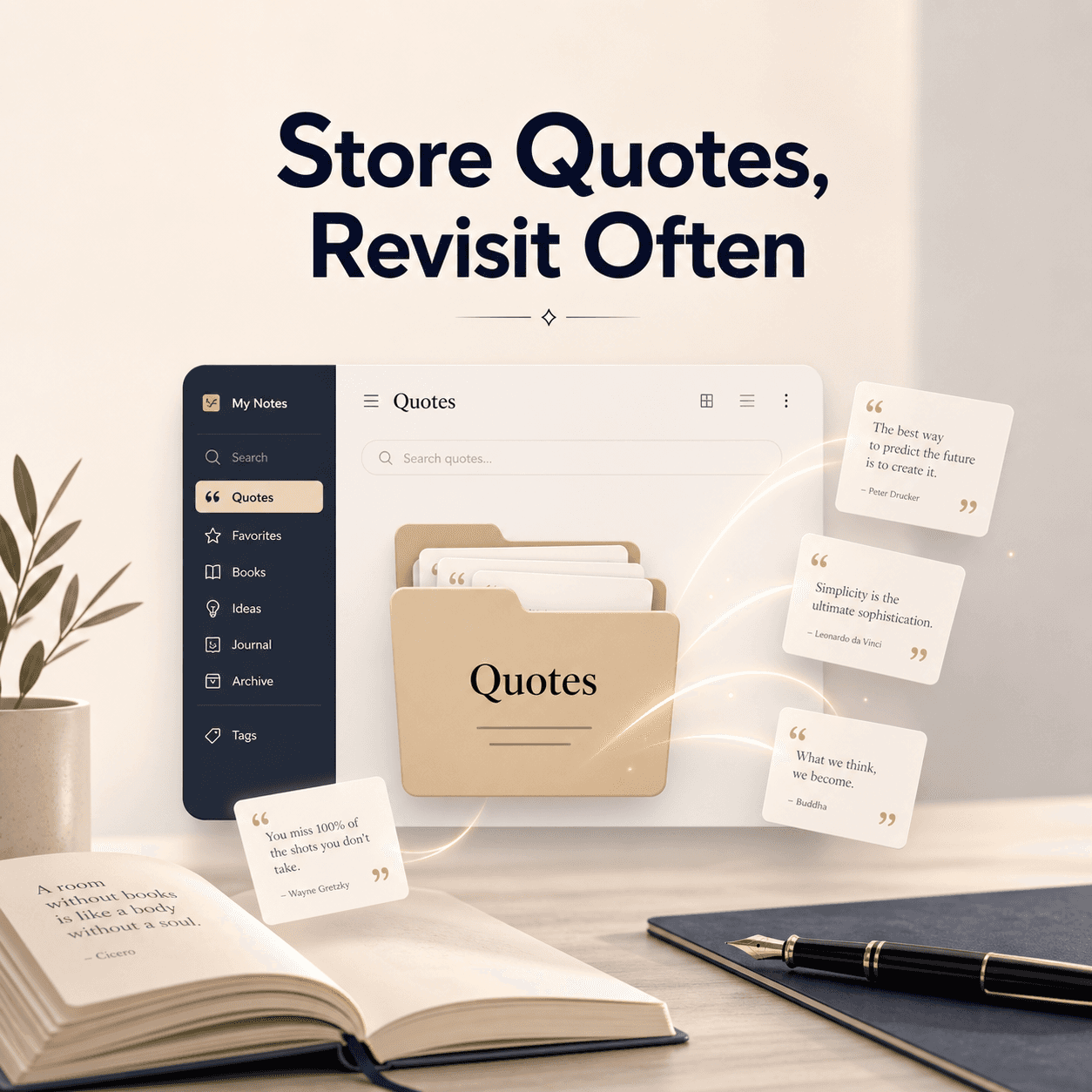
The best overall place to store quotes: a personal “quote vault” in Notion (simple, searchable, revisitable)
If you want one answer. For most readers, the best place is Notion, set up as a simple database.
Why Notion works so well:
- Search is great. Like, actually useful.
- You can tag quotes by book, theme, mood, character, year, whatever.
- You can view them as a list, gallery, or calendar.
- You can add a short note about why you saved it (this is the part that makes revisiting meaningful).
- It grows with you. Doesn’t get messy fast.
And if you prefer something less “app-y,” keep reading. I’ll give you other options that are genuinely good. But Notion is the best blend of flexible and revisitable.
What your quote vault should look like (don’t overbuild it)
You do not need a “second brain.” You need a place you will actually open.
Here’s the exact structure I recommend:
Database fields:
- Quote (the text itself)
- Source (book title, author)
- Page / Location (optional but helpful)
- Tags (themes like grief, courage, love, identity, time, friendship)
- Why I saved this (one sentence)
- Date captured (helps later, trust me)
That’s it.
If you add “genre” and “rating” and “character arc” and “weather that day,” you will stop using it. Keep it light.
Add one thing that changes everything: a “Revisit” checkbox
This is the trick.
Add a property called Revisit (checkbox). When you save a quote, decide if it’s something you want to sit with again soon.
Then once a week, you filter your vault by Revisit = checked and read five quotes. Five. Not fifty.
This is how quotes stop being dead storage and start being a living thing.
If you’re a GlimmerReads kind of reader, this will feel familiar. The whole “the stories we carry” idea only works when we actually carry them, not stash them in a drawer. If you want a gentle weekly rhythm for revisiting what you read, you’ll like The Weekly Chapter over on https://glimmerreads.com.
A simple Notion setup you can copy (in 10 minutes)
- Open Notion.
- Create a new page called Quote Vault.
- Insert a database table.
- Add the fields above.
- Create two views: All Quotes and Weekly Revisit (filtered by Revisit = checked).
That’s your home base.
Now you need capture methods, because quotes happen in the wild.
How to capture quotes without friction (the part most systems fail)
The best quote storage system is useless if capturing feels annoying.
So here are the easiest pipelines, depending on how you read.
If you read on Kindle
Kindle highlights are great. The problem is they vanish into the Amazon void.
- Readwise (paid, but smooth): auto-syncs Kindle highlights into Notion.
- Manual: once a week, export highlights and paste the best ones into your vault.
If you highlight a lot, Readwise is genuinely worth it. If you highlight occasionally, manual is fine.
If you read physical books
- Phone photo + later typing: works, but you need a weekly ritual.
- Write the quote by hand in the moment: slower, but it lands deeper.
- OCR apps: scan text to copy it quickly.
If you are someone who loves the tactile part of reading, handwriting one quote per reading session is a sweet rule. Not ten. One.
If you read on Apple Books or Kobo
Most platforms let you export highlights, but it can be clunky. In that case, the simplest path is:
- Copy highlight
- Paste into a quick capture note (Notes app)
- Move to your vault later (weekly)
Yes, it’s two steps. But the key is that you do the second step reliably.
The best “low-tech” place to store quotes: a dedicated quote notebook (with an index)
If you hate apps. Or you want your quotes to feel like objects you can hold.
A physical notebook can be the best place to store quotes, but only if you solve the revisiting problem.
Here’s how to do it without creating a black hole notebook:
Use the front 3 pages as an index
Every time you add a quote, give it a page number and add one line in the index:
- “Grief, Didion, p. 14”
- “Friendship, Ferrante, p. 38”
- “Courage, Le Guin, p. 57”
Now you can actually find things again.
Keep entries tight
Format:
- Quote (verbatim)
- Source
- One sentence: “Saved because…”
That last sentence turns the notebook into a conversation with yourself. And later, when you reread it, you remember who you were.
Make the notebook visible
This sounds silly, but it matters.
If the notebook lives in a drawer, it dies.
Put it where you drink coffee. Or by your bed. Or next to the chair where you read. Let it be part of the room.
The best place if you want quotes to resurface automatically: a spaced repetition deck (Anki)
This is nerdy. But wildly effective.
If you want quotes to come back to you at the right times, use Anki (spaced repetition flashcards).
Create a card like:
Front: “Finish this quote” or “What did this line mean to you?” Back: The quote + source + your note.
Anki will bring quotes back on a schedule based on how well you remember them. It’s like letting your future self tap you on the shoulder.
Not for everyone. But if you love systems, it’s magic.
The best place if you live in the Apple ecosystem: Apple Notes (with smart folders)
Apple Notes is underrated.
It’s fast. It’s everywhere. It’s searchable. And it’s less likely to become a “project.”
Here’s the setup:
- One folder: Quotes
- One note per book (title as the note name)
- Inside: bullet list of quotes, each with a tag like #grief or #love
Then you can use search for #tags across all notes.
It’s not as elegant as Notion, but it’s frictionless. And frictionless wins.
The best place if you want “pretty” and revisitable: a private Instagram account (or Pinterest board)
This is not my top recommendation, but it works for some people because you’ll actually open the app.
If you already check Instagram daily, a private account called something like @myreadinglines can be your quote library.
Post:
- Photo of the page (or a typed note)
- Caption: the quote + book + why you saved it
- Hashtags as tags (private hashtags still work for search)
Downside: search is limited, and it can turn performative even when it’s private. But if it gets you revisiting quotes, it’s valid.
The best place is one place (seriously, pick one)
Here’s the rule that fixes almost everything:
Pick one home base. Everything else is just capture.
So you might capture in Notes or photos, but the quotes eventually end up in your vault. Notion, notebook, Apple Notes, whatever you choose.
The moment you have two vaults, you stop trusting either. Then you stop revisiting. Then you stop saving. Then you lose the whole thread.
The revisiting ritual (this is where the magic is)
Ok. You have a vault. Great.
Now make it alive.
The 10 minute weekly quote revisit
Once a week. Same day if you can.
- Open your vault.
- Read 5 quotes marked Revisit (or pick 5 at random).
- Copy one into your journal and respond to it for 3 minutes.
That’s it.
If you want prompts, GlimmerReads already leans into this kind of reflective reading rhythm. You can borrow the vibe and make it your own, or just subscribe and let the weekly structure nudge you along at https://glimmerreads.com.
A tiny template for journaling with a quote
Paste the quote, then answer one:
- “Where does this show up in my life right now?”
- “What would change if I believed this?”
- “What does this line make me want to do?”
- “Why did I underline this, really?”
You do not need to write an essay. Just a few honest sentences.
What about highlights you never typed up (the backlog problem)
If you have 2,000 highlights and the guilt of a small planet, here’s what to do.
Do not import everything.
Instead:
- Choose one book you loved.
- Skim the highlights.
- Save only 10 quotes into your vault.
- Add “Why I saved this” for each.
That’s your seed. Next week, do another book.
In a month, you will have 40 quotes you actually care about, instead of 2,000 you avoid.
Images you can add to this post (so it feels like a real reading space)
You said WordPress, so here are some natural image placements. Use your own photos if you have them, or pick clean stock images.
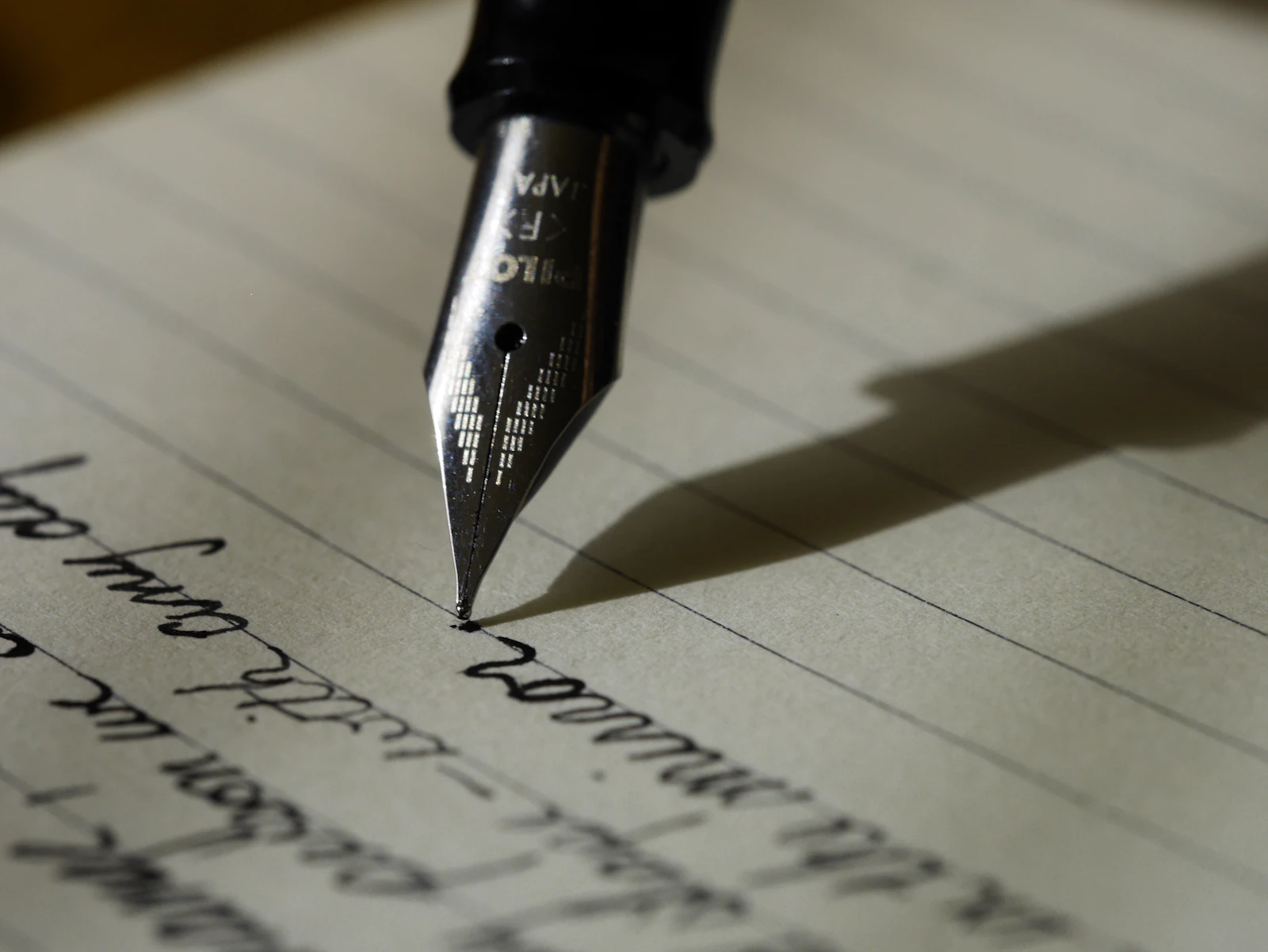
1) A quote journal on a desk
2) Kindle highlight vibe

3) Notes and organizing

4) Bookshelf moment

(Quick note: Unsplash links can change. If one breaks, just swap it in WordPress with another similar photo.)
So what is the best place to store quotes, really
Here’s my honest answer, after trying to be a “serious” quote collector and failing a few times.
The best place to store quotes is:
- One place
- Searchable
- Easy to capture into
- Built for revisiting, not just collecting
For most people, that ends up being a simple Notion quote vault with a weekly revisit view.
If you want tactile and slow, a quote notebook with an index is perfect.
If you want effortless, Apple Notes is the quiet winner.
But whichever you choose, don’t skip the ritual. Because the ritual is what turns a quote into something you live with.
And that’s the whole reason we save lines in the first place. Not to prove we read something smart. Just to keep the parts that changed us close enough to find again.
FAQs (Frequently Asked Questions)
What makes a quote worth saving according to the article?
A quote is worth saving if it names something you’ve felt but never said out loud, changes how you see a person or situation, makes you pause because it’s true, or is a line you want to live with for a while. Simply ‚pretty‘ quotes should be let go as they often fade.
Why is retrieval more important than storage when it comes to keeping quotes?
The real problem isn’t where you store quotes but how you’ll find and revisit them when needed. Quotes stored in unorganized places like giant lists or notebooks often become graveyards that are never opened. Effective retrieval requires having one main home base and a resurfacing habit to regularly revisit meaningful quotes.
What is the recommended best overall place to store and manage quotes?
The article recommends using Notion as the best overall place to store quotes. Setting up a simple, searchable database in Notion allows for easy tagging, viewing options, adding notes on why you saved each quote, and keeps your collection organized and revisitable over time.
How should I structure my ‚quote vault‘ in Notion for effective use?
Keep your Notion quote vault simple with these database fields: Quote (text), Source (book title and author), Page/Location (optional), Tags (themes like grief, courage, love), Why I saved this (one sentence), Date captured. Avoid overbuilding with unnecessary fields to ensure consistent use.
What is the purpose of adding a ‚Revisit‘ checkbox in the quote vault?
The ‚Revisit‘ checkbox helps you mark quotes that you want to sit with again soon. By filtering your vault weekly for quotes checked as ‚Revisit,‘ you can read a small set (like five) regularly. This habit transforms your collection from dead storage into a living resource that impacts you over time.
How can I capture quotes efficiently from different reading formats without friction?
For Kindle readers, tools like Readwise can auto-sync highlights into Notion; otherwise, manual weekly export works. For physical books, taking photos and typing later or handwriting one meaningful quote per session helps retention. OCR apps can also scan text quickly. For Apple Books or Kobo, exporting highlights or copying manually are options depending on platform capabilities.


No responses yet